
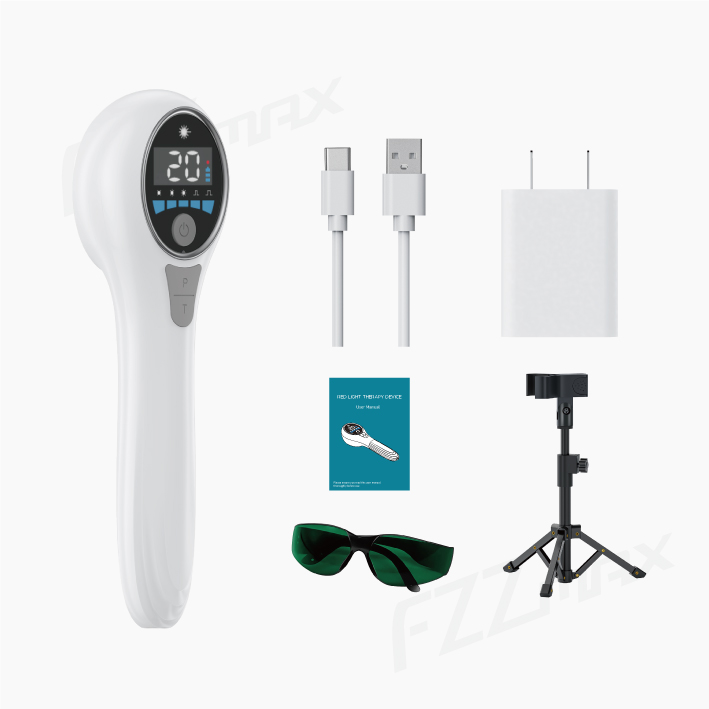
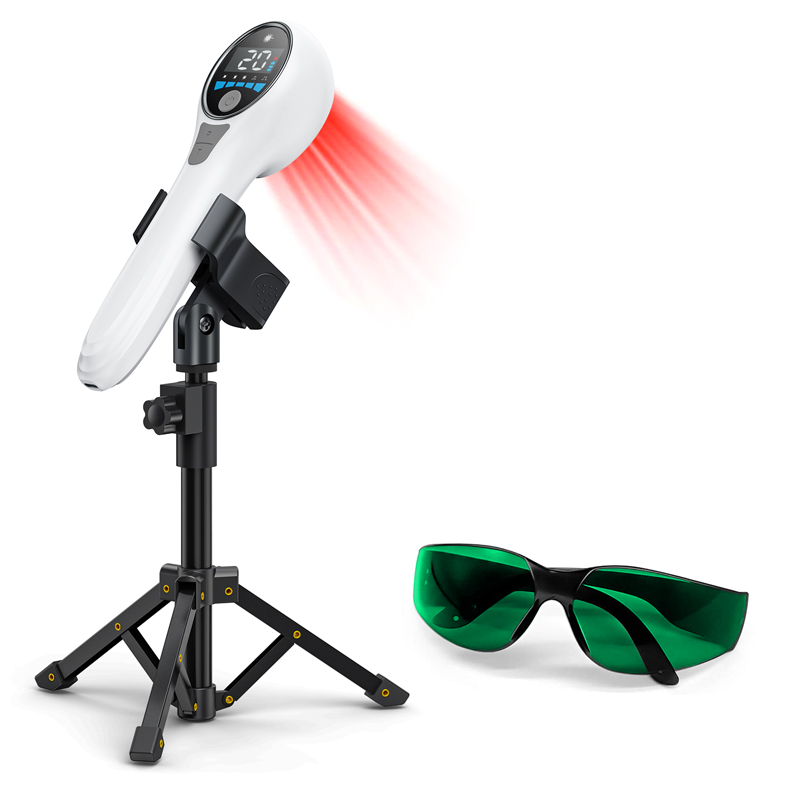
 Host*1 PCS
Power Adapter * 1 PCS
USB cable * 1 PCS
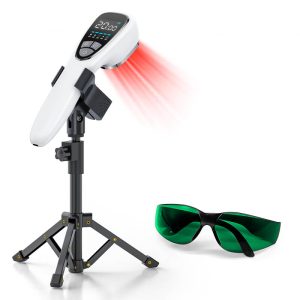
Protective glasses * 1 PCS
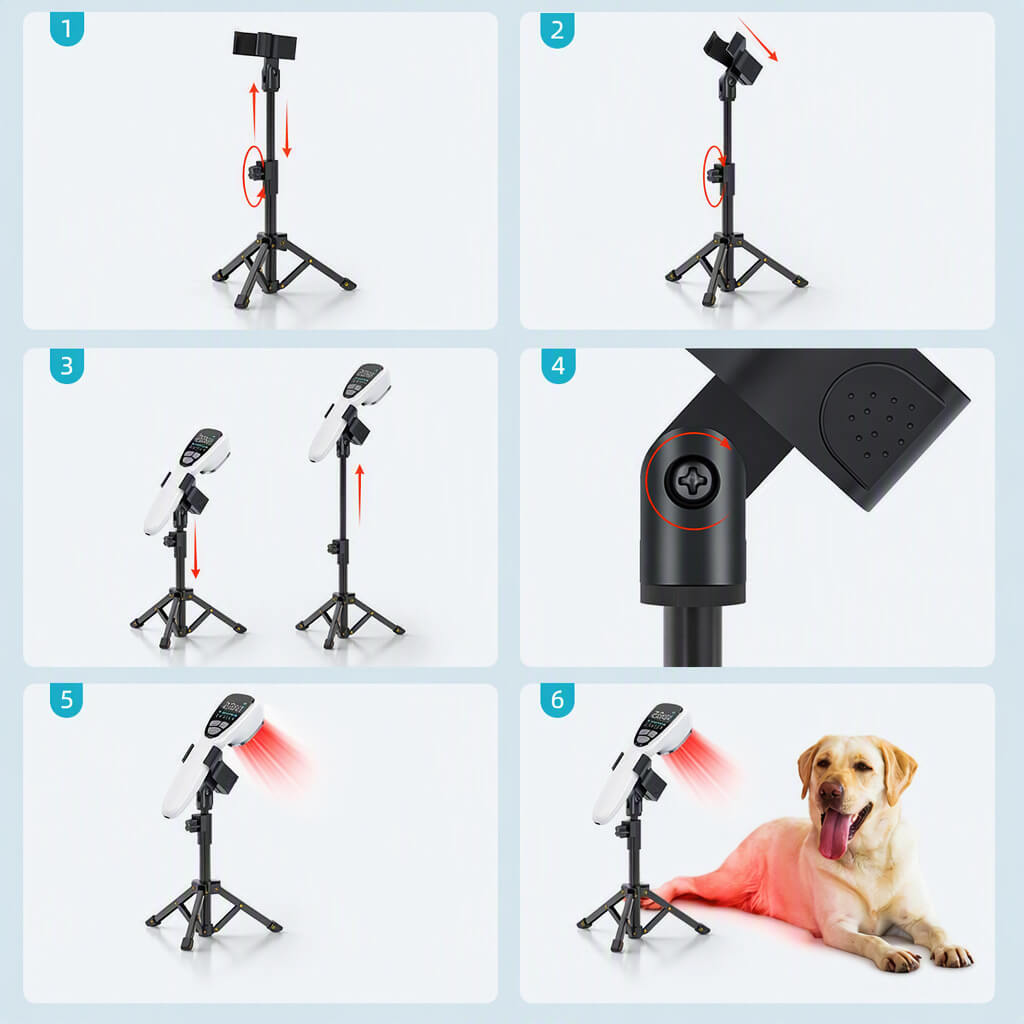
Stand(optional) * 1 PCS
User Manual * 1 PCS
Price range: $119.00 through $124.00
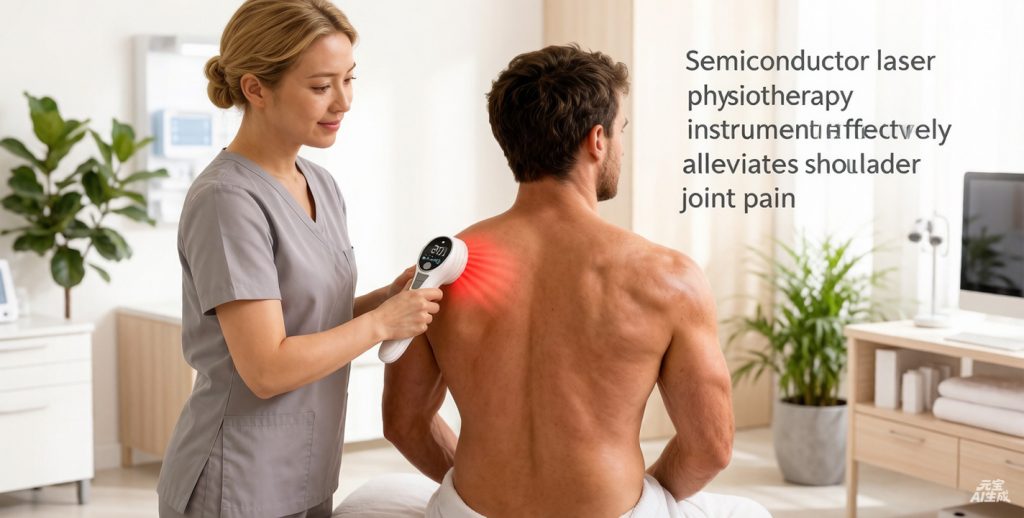
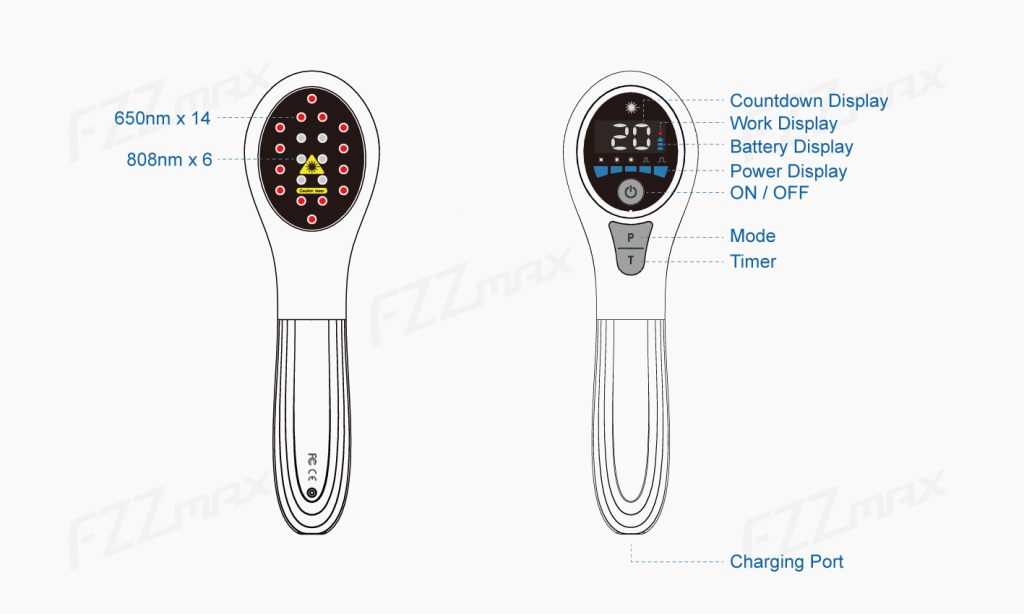
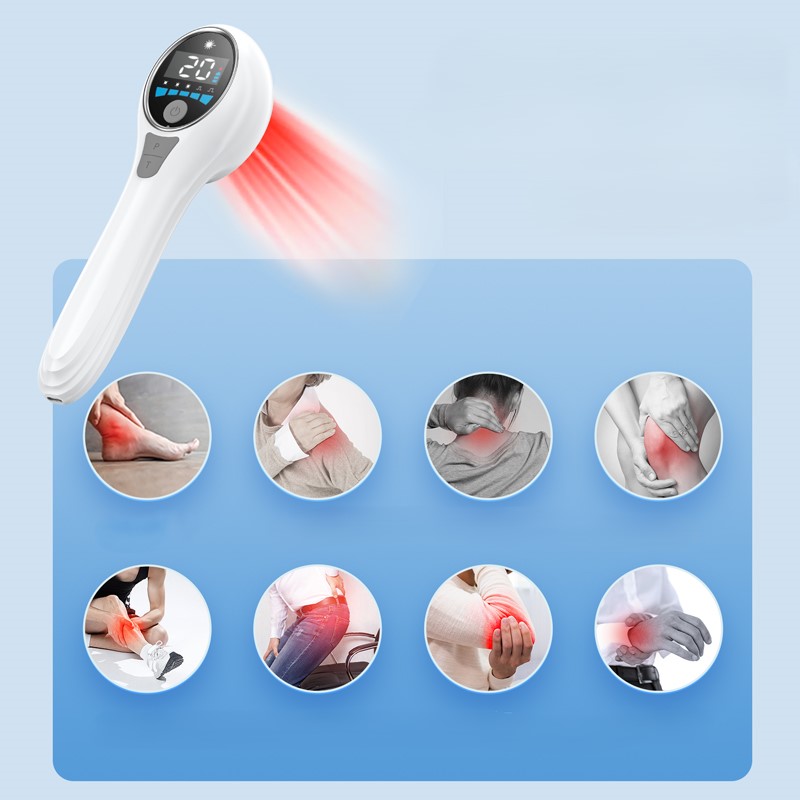
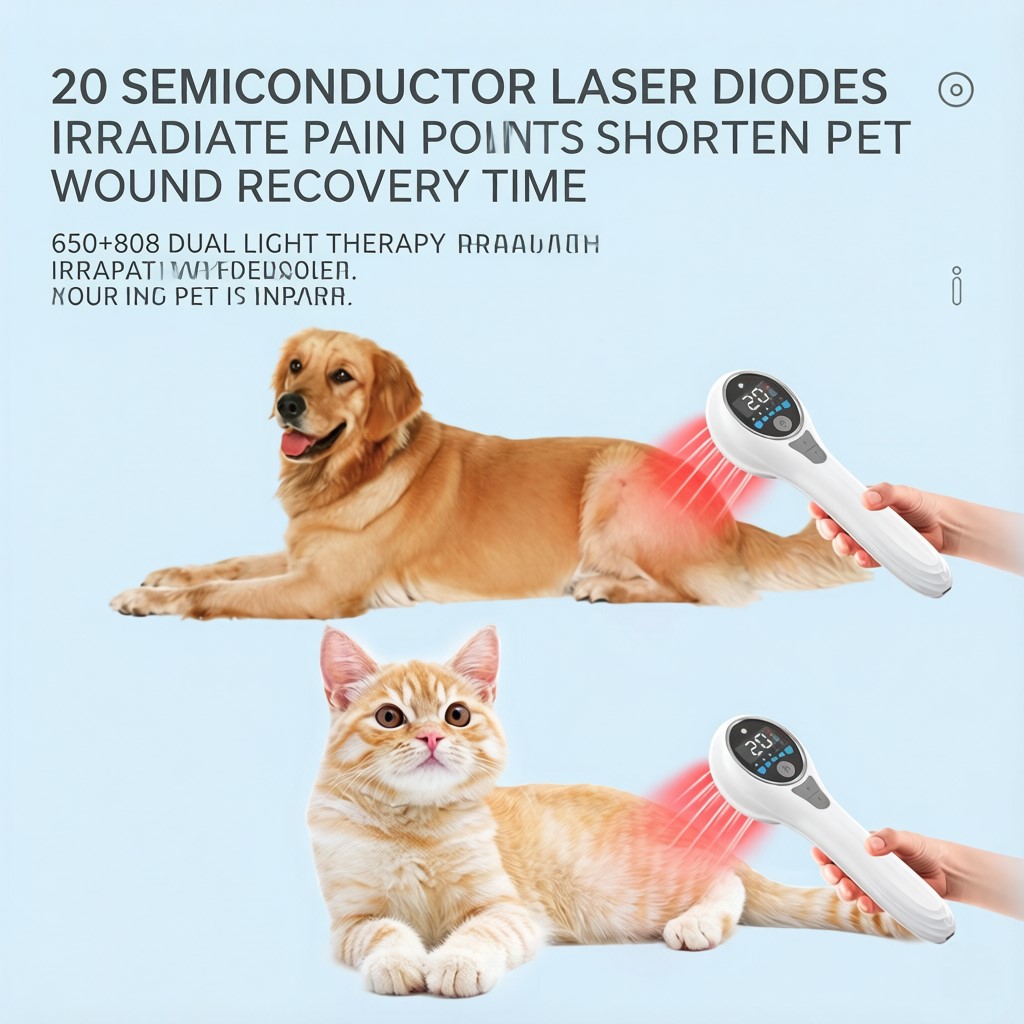
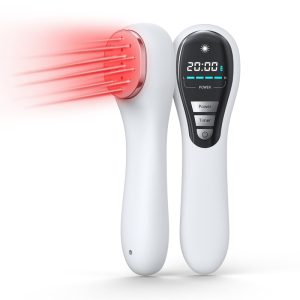
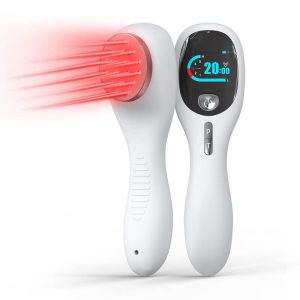
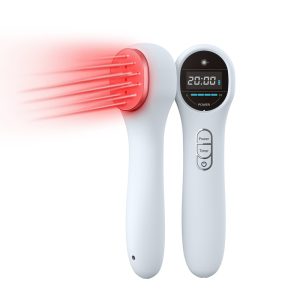
FZZMAX LD178 is a high power cold laser device featuring dual-wavelength technology (808nm + 650nm) with pulse mode for deep tissue treatment and effective pain management.
1. 808nm + 650nm Dual Wavelength LLLT
2. HIGH POWER output — maximum tissue penetration
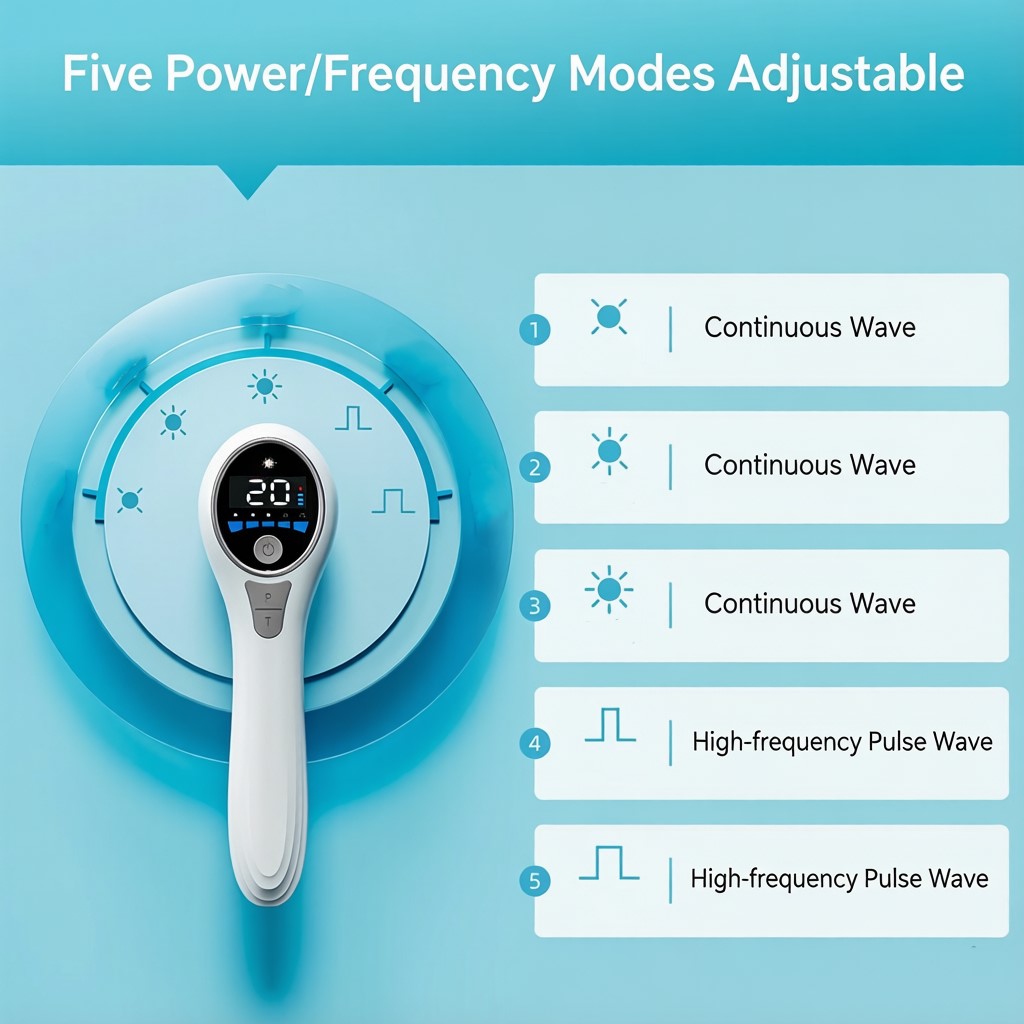
3. Continuous + Pulse mode for targeted relief
4. 5-30 min adjustable timer
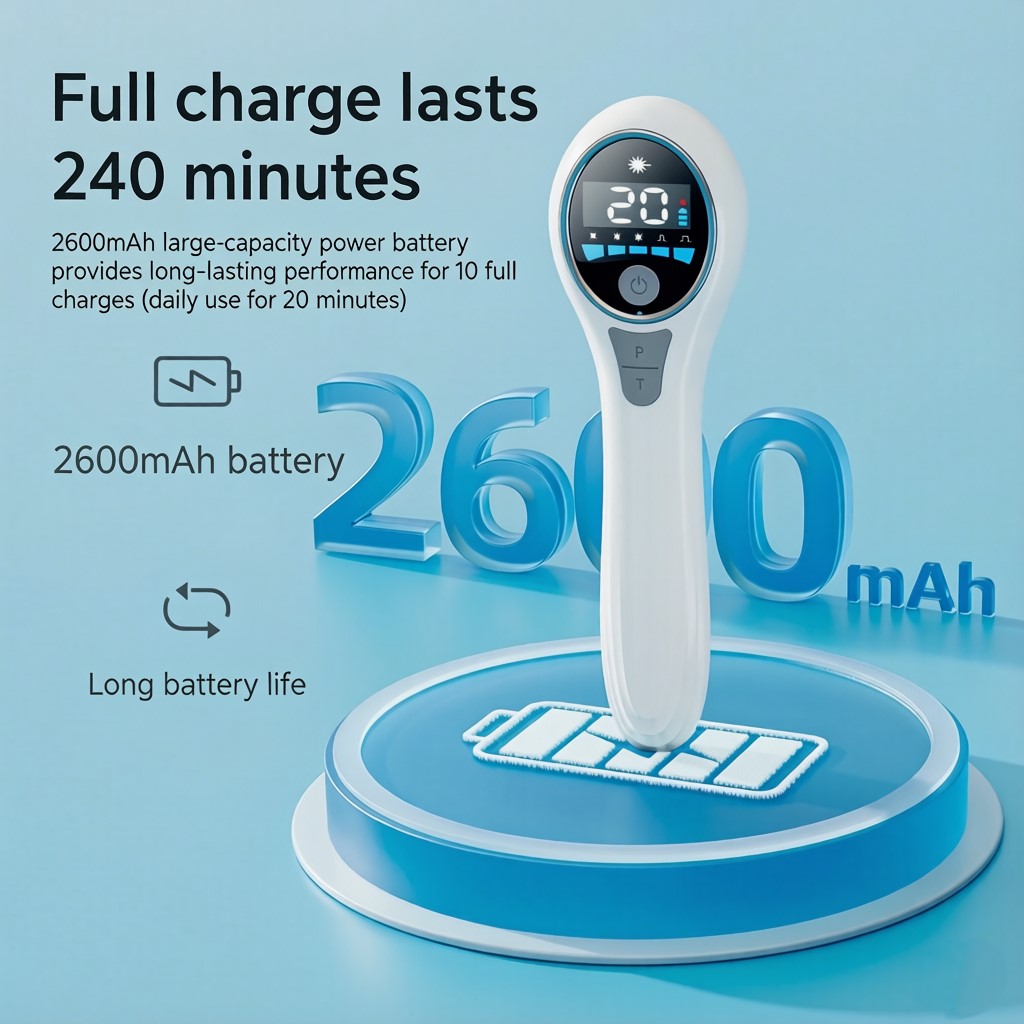
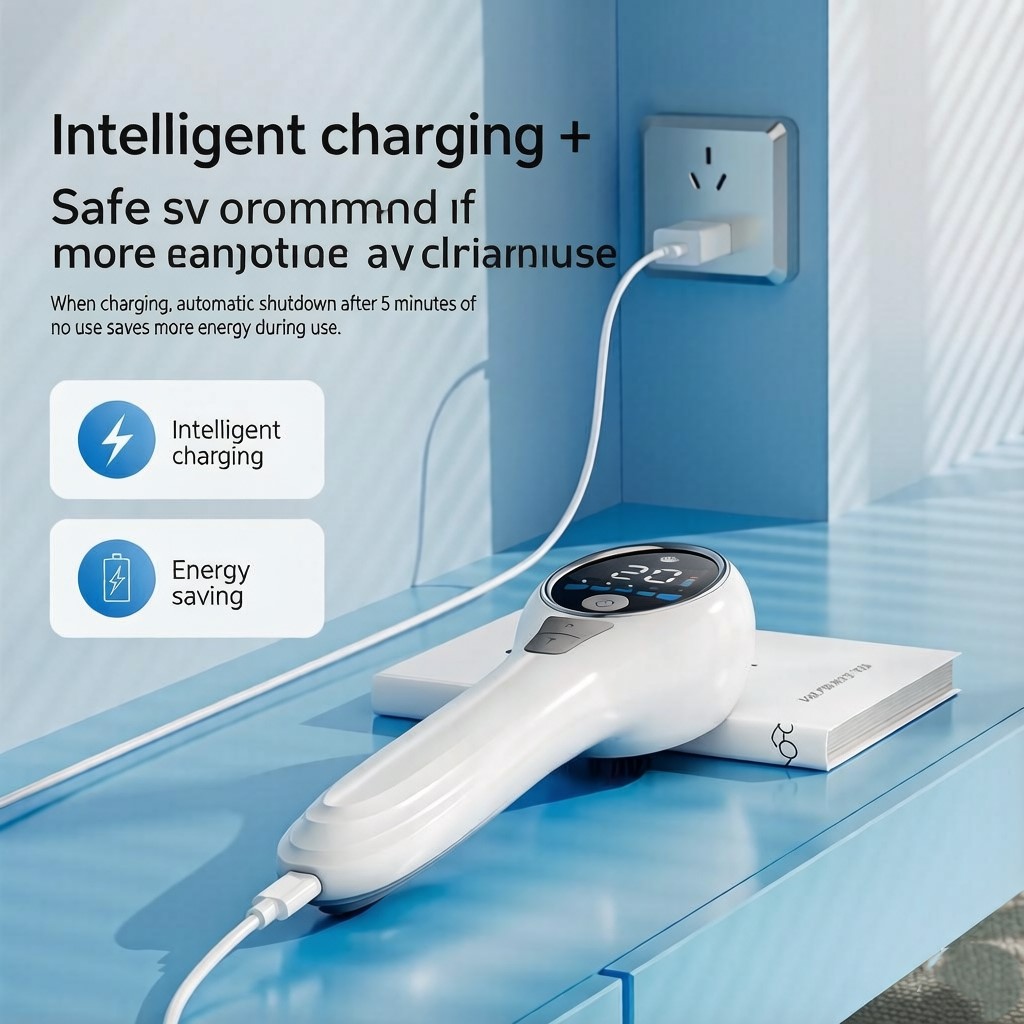
5. Multiple power levels, rechargeable & portable
✅ Wholesale pricing available for bulk orders
✅ OEM/ODM: custom logo, packaging, manual
✅ Certifications: CE / FCC / RoHS
✅ Warranty: 1 year manufacturer warranty
📩 Bulk orders: Contact us for a quote
Host*1 PCS
Power Adapter * 1 PCS
USB cable * 1 PCS
Protective glasses * 1 PCS
Stand(optional) * 1 PCS
User Manual * 1 PCS
| Weight | 1 kg |
|---|---|
| Stand | With Stand, Without Stand |
| color | grey, white |
| laser-medium | GaAlAs Semiconductor |
| wavelength | 650nm + 808nm |
| power-levels | L1-L5 |
| timer-setting | 5-30 min |
| battery-capacity | 2600mAh |
| charger-input | DC 5V / 1A |
Reviews
There are no reviews yet.